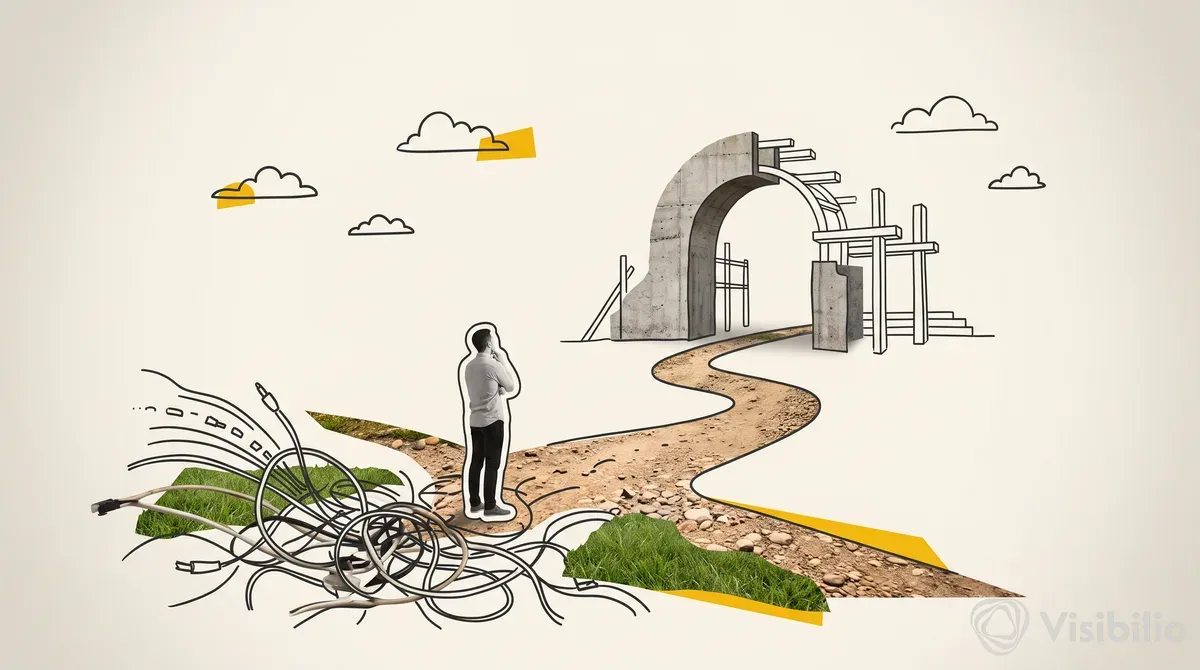
Across more than 14,000 runs, Optimizely's ABM landing-page agent failed about 120 times. Nine out of ten failures came from the same place: someone hadn't updated Salesforce. Not a prompt problem. Not a model hallucination. Dirty CRM data.
That ratio tells you where the real work sits when you try to operationalize 1:1 ABM pages with an AI agent. Page generation is the solved part. The unsolved part is everything around it: data readiness, governance, sales routing, and lifecycle maintenance. Optimizely's approach, documented in an Exit Five breakdown, lays out a system worth pulling apart.
The Workflow Nobody Talks About
Michiel, who runs Optimizely's website, built the agent to operate as a single workflow in the role of an ABM manager. Every Tuesday and Thursday (when most CRM updates land), the agent pulls the account list from Salesforce, researches each company using 6sense, BuiltWith, LinkedIn, call transcripts, and the account's own website, then assembles a custom page in the CMS. It messages the sales team with activation instructions.
The agent isn't just following steps. It's given the reasoning behind the work: what a good page needs, why it matters, what the account cares about. That context keeps output consistent across 2,600+ accounts without someone reviewing every page. A weekly refresh cycle updates the 100 oldest pages and retires pages tied to closed opportunities. Without that, you're building maintenance debt at scale.
No Forms. CTA Clicks as Intent Signals.
Because these pages target known outbound accounts, Optimizely skipped the form entirely. When a prospect clicks the CTA, the agent alerts the internal account owner to book a meeting immediately. The rep already knows who the target is; a form adds friction without adding signal.
If your outbound team already owns the relationship, a form fill is a vanity metric. A CTA-triggered alert with a fast follow-up SLA is a more actionable signal. The trade-off: you lose the lead's self-identified contact info, so this only works when account ownership and contact data are already clean in your CRM.
Governance That Scales
Optimizely's agent writes each page from pre-approved phrases and existing CMS content, so nothing goes live that hasn't been vetted at the messaging level. An "x-ray" mode shows exactly where each piece of data on a page came from, and an edit mode lets reps or marketers request changes while the agent handles the actual edits. When you're running hundreds of personalized pages, you can't review each one manually. You manage the system: track engagement from a central dashboard, spot patterns when the agent drifts, and coach it back. Optimizely's Agent Platform documentation reinforces this: approval workflows and governance are first-class requirements, not afterthoughts.
The Personalization That Actually Matters
Swapping a company logo into a hero banner isn't personalization. What Optimizely's agent does differently is research how each account talks about its priorities (job postings, press releases, product announcements), then write a net-new pitch using proof points matched to those priorities. Optimizely's Field Notes team put it bluntly: creating individualized pages for about 2,000 accounts with variations in headlines, proof points, and competitive framing is the straightforward part. The hard part is the operating model underneath.
A Snowflake/Mutiny example summarized by GenPage claims personalized pages converted at 34% versus 11% for generic pages. A Genesis/Mutiny case study reports meetings booked from 10% of cold accounts, roughly 3x their prior outbound rate. Treat those as directional, not definitive. Most of these outcomes bundle multiple touches (email sequences, direct mail, sales follow-up) alongside the landing page. Isolating the page's contribution requires a holdout, and none of the published case studies describe one. Set your own baseline: measure account engagement to meetings to opportunity movement to pipeline contribution. Page count is a vanity metric. Pipeline sourced or influenced per page is not.
Where to Start: One Page, One Account, One Brief
You don't need 2,600 pages on day one. Pick a target account. Pull the CRM record, intent data, tech stack info, LinkedIn profile, and any call transcripts. Read their website and job postings. Write a pitch using your team's approved messaging that speaks to what that account actually cares about. Then have AI analyze why the page works, and hand that brief to your agent.
Success = meeting-book rate lift. Guardrails = monitor CTA click-to-meeting conversion weekly. Stop-loss = if after 4 weeks the lift is under 10%, audit data quality before scaling.
The limiting factor was never the AI's ability to generate a page. Across 14,000 runs, Optimizely proved that. The limiting factor is whether your Salesforce data is clean enough to feed it, whether your approved messaging is documented well enough to constrain it, and whether your sales team responds fast enough to act on what it surfaces. The agent is the easy part. The operating system around it is the moat.