If AI rollouts feel common but real throughput gains still feel uneven, the constraint usually isn’t model quality. It’s the interface between intent and execution.
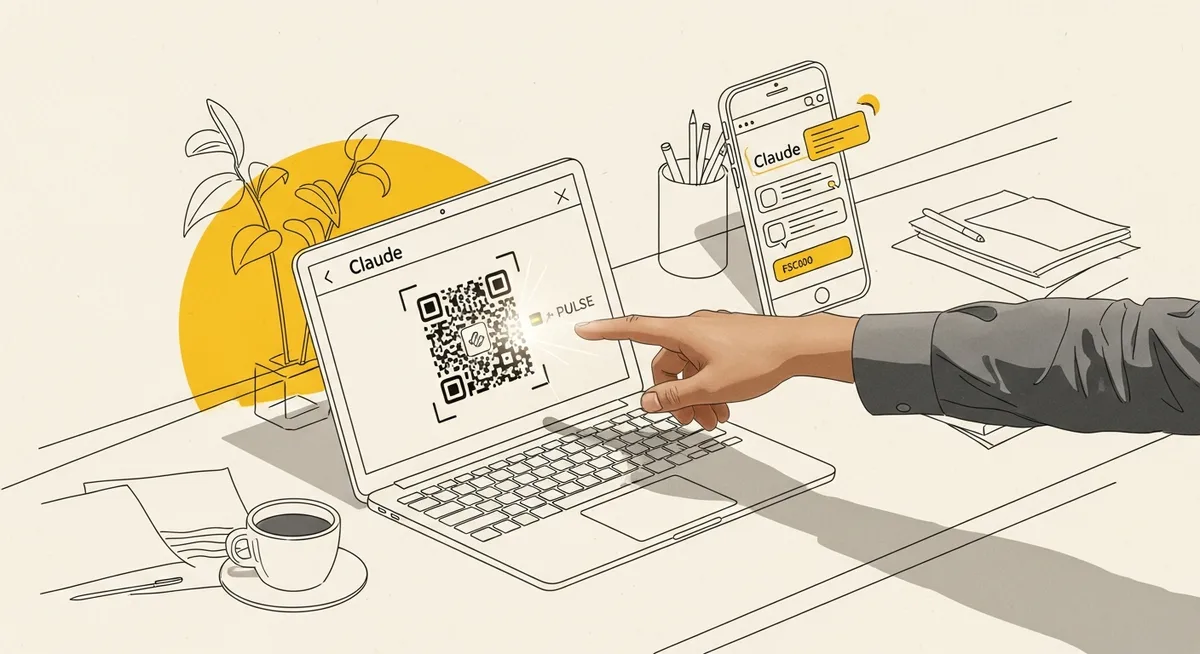
That’s why Claude Dispatch—Anthropic’s April 2026 feature that turns a user’s desktop into a remote AI worker controllable from a phone—matters more than it sounds. Dispatch works by having a user scan a QR code and then message Claude from mobile while it operates the computer. Not in a sandboxed toy environment, but by interacting with standard software interfaces through native computer control: screenshots, mouse and keyboard actions, clicking UI elements. (Source: Research Brief, “Claude Dispatch results 1”)
Here’s the pattern interrupt: many teams are treating “AI strategy” like a model selection problem. The data says the better bet is treating it like an interface and workflow problem—because the biggest gains show up when AI can actually finish work, not just talk about it.
The nut graf: interface is the new bottleneck (and 2026 is making it obvious)
In 2026, AI is no longer a novelty inside organizations. Reported adoption was already high, with 71% of organizations using AI and another 22% planning adoption within 12 months; 92% of deployments reportedly took 12 months or less. (Source: Research Brief, “Adoption and business impact 2”) The story isn’t “can we deploy something?” It’s “can we scale it past pilots without adding chaos?”
Two constraints show up immediately in the same dataset: 52% cited lack of skilled workers as the top barrier to scaling AI, and global trust in AI systems sits at only 46%. (Sources: Research Brief, “Challenges 2”; “Expert opinions 3”) That combination is brutal. Even when ROI looks attractive on paper (average returns of $3.5 per $1 invested, per the same adoption source), organizations still have to make AI usable by non-specialists and govern it tightly enough that it doesn’t become a risk magnet. (Source: Research Brief, “Adoption and business impact 2”)
But there’s another way to read the situation: the “skills gap” isn’t only about prompt craft or hiring ML talent. It’s also about how much procedural glue the interface demands from ordinary operators just to get a job across the finish line.
Dispatch is a bet on “agency”: less chat, more completion
The Research Brief frames a broader interface shift from AI “assistance” (helping you think) to “agency” (helping you finish): AI takes goals, gathers context, plans work, uses tools, and executes tasks with less hand-holding. (Source: Research Brief, “Claude Dispatch results 5”) Dispatch is a concrete example of that shift because it doesn’t require every workflow to be rebuilt as a bespoke integration first.
Claude’s computer-control capability—described as a research preview available in Claude Cowork and Claude Code—supports full browser use and UI automation tasks, including end-to-end UI testing and even testing iOS apps on simulators. (Source: Research Brief, “Claude Dispatch results 1”) That matters because the enterprise reality is messy: one team lives in Salesforce, another in Jira, another in Confluence, and a fourth in whatever spreadsheet is currently holding the quarter together.
Experts summarized in the brief argue enterprises will prefer fewer interfaces layered over a unified knowledge/tool layer rather than adding more standalone chatbots. (Source: Research Brief, “Expert opinions 2”) Dispatch-style “AI that can operate the UI” is one plausible path to that outcome. Instead of demanding every vendor build (and maintain) a perfect connector, the AI can often use the interface that already exists.
Still, the punchline isn’t “UI control replaces integrations.” It doesn’t. It changes the economics of where to invest engineering time. Build connectors where the failure mode is expensive (payments, CRM write-backs, permissioned systems). Use UI control where the alternative is weeks of backlog or a brittle RPA project that dies the first time a button moves.
One demand gen move: use Dispatch as a controlled RevOps workcell, not a general assistant
DemGenDaily readers don’t need another AI chat thread. They need qualified pipeline without inflating headcount or drowning Sales in low-signal activity. Dispatch becomes interesting when it’s treated like a constrained operator inside a measurable workflow—especially the ones that currently burn hours because they bounce between tools.
Here’s the 5-minute version you can run this week: pick one cross-tool, high-frequency RevOps task where the output is inspectable. Then use Dispatch to execute it with explicit checkpoints, logging, and stop-loss rules.
Example workflow (from the Research Brief): a business owner used Claude to generate branded client proposals, pre-populated agreements, and presentations from discovery call transcripts—cutting a process that previously took 4–24 hours of back-and-forth. (Source: Research Brief, “Claude Dispatch results 4”) The key isn’t the artifact. It’s the interface pattern: transcript in, multi-document pack out, fewer handoffs.
Now translate that into a demand gen operator’s version: “Call transcript + CRM fields + product notes in Confluence” becomes “proposal pack + follow-up email + CRM updates + tasks created.” Same shape. Different department.
Hypothesis (make it falsifiable)
If Dispatch is used to produce a standardized post-discovery “deal momentum pack” (proposal draft, mutual action plan draft, and CRM hygiene updates) within 2 hours of a completed call, then stage-to-stage conversion from discovery to next step will improve, because the handoff latency and missing-context errors drop when one agent can operate across the actual tools instead of summarizing in chat.
Setup / Launch / Readout / Next test
- Setup: Choose one segment (for example, mid-market with consistent sales motion) and one team. Define the exact inputs (call transcript source, required CRM fields, approved proposal templates) and the exact outputs (docs created, links logged, tasks assigned). Assign an owner in RevOps plus a reviewer in Sales Ops for sign-off.
- Launch (timeline): Run it for one week on a small, controlled sample (directional, not definitive). Keep the scope tight: one stage transition, one template set, one approval path.
- Readout: Compare against a baseline week. Don’t claim causality from dashboards alone; treat this as directional attribution and look for leading indicators (handoff time, completeness, rework rate) before celebrating pipeline movement.
- Next test: Add a holdout: a subset of reps keep the old process for the same segment. If the lift persists with a holdout, confidence goes up. If it disappears, the “AI effect” was probably just extra attention.
Success metrics and guardrails
- Primary metric: Median time from call end to pack delivered (hours).
- Secondary metrics: CRM field completeness rate; rework rate (packs returned for missing info or incorrect positioning).
- Stop-loss: Any instance of incorrect CRM writes or sending an unapproved doc to a customer triggers an immediate pause and tighter permissions/checkpoints.
To understand why this framing matters, look at the productivity stats in the brief. Business professionals using AI wrote 59% more work-related documents per hour; programmers completed 126% more projects weekly; overall throughput on realistic daily tasks increased 66%; customer service agents handled 13.8% more inquiries per hour; and average time saved was reported as 2.5 hours per day. (Sources: Research Brief, “AI interface effectiveness stats 3”; “AI interface effectiveness stats 5”) Those gains don’t come from clever prompts. They come from reducing friction between “what needs to happen” and “the work getting done.”
The trade-off: “AI that clicks” raises the governance bar
Dispatch’s appeal is also its risk. An agent that can click UI elements can also click the wrong ones. Computer-control interfaces increase operational risk (unintended actions, wrong clicks), which is why experts emphasize transparency, human oversight, and feedback loops as the path to trust. (Source: Research Brief, “Expert opinions 3”) With only 46% global trust in AI systems, the organizations that scale this won’t be the ones with the flashiest demos. They’ll be the ones with the cleanest controls.
So the better posture is: treat Dispatch like a junior operator with fast hands, not like an infallible system. Give it bounded permissions. Require checkpoints before external sends or system-of-record writes. Keep audit trails. And accept the trade-off openly: this will reduce volume before it improves quality, because tight guardrails slow things down at first.
When is this wrong? When the task is low-frequency, high-risk, or impossible to verify quickly. In those cases, classic automation or a narrow integration is often safer than UI-driving agency. Also, if the workflow is already clean and instrumented, Dispatch may add a new surface area without enough incremental lift.
Kicker: the “capability jump” might be an interface correction
Claude Dispatch lands in April 2026, but the underlying point is older than any model release: most organizations don’t fail to get value from AI because the systems can’t write, code, or summarize. They fail because the work is trapped behind interfaces that demand too much manual stitching—copy here, paste there, update this field, attach that file, repeat.
Dispatch is one of the clearest signals that the next wave of AI ROI will be interface-led. Not because chat is useless. Because finishing beats talking. And when an AI can move through the same screens the team already uses—carefully, with oversight—the “capability overhang” starts to look less like a research problem and more like a workflow correction that was overdue.


